Tic-Tac-Toe Game
A web-based version of the timeless paper-and-pencil game, built with vanilla JavaScript to practice fundamental programming logic.
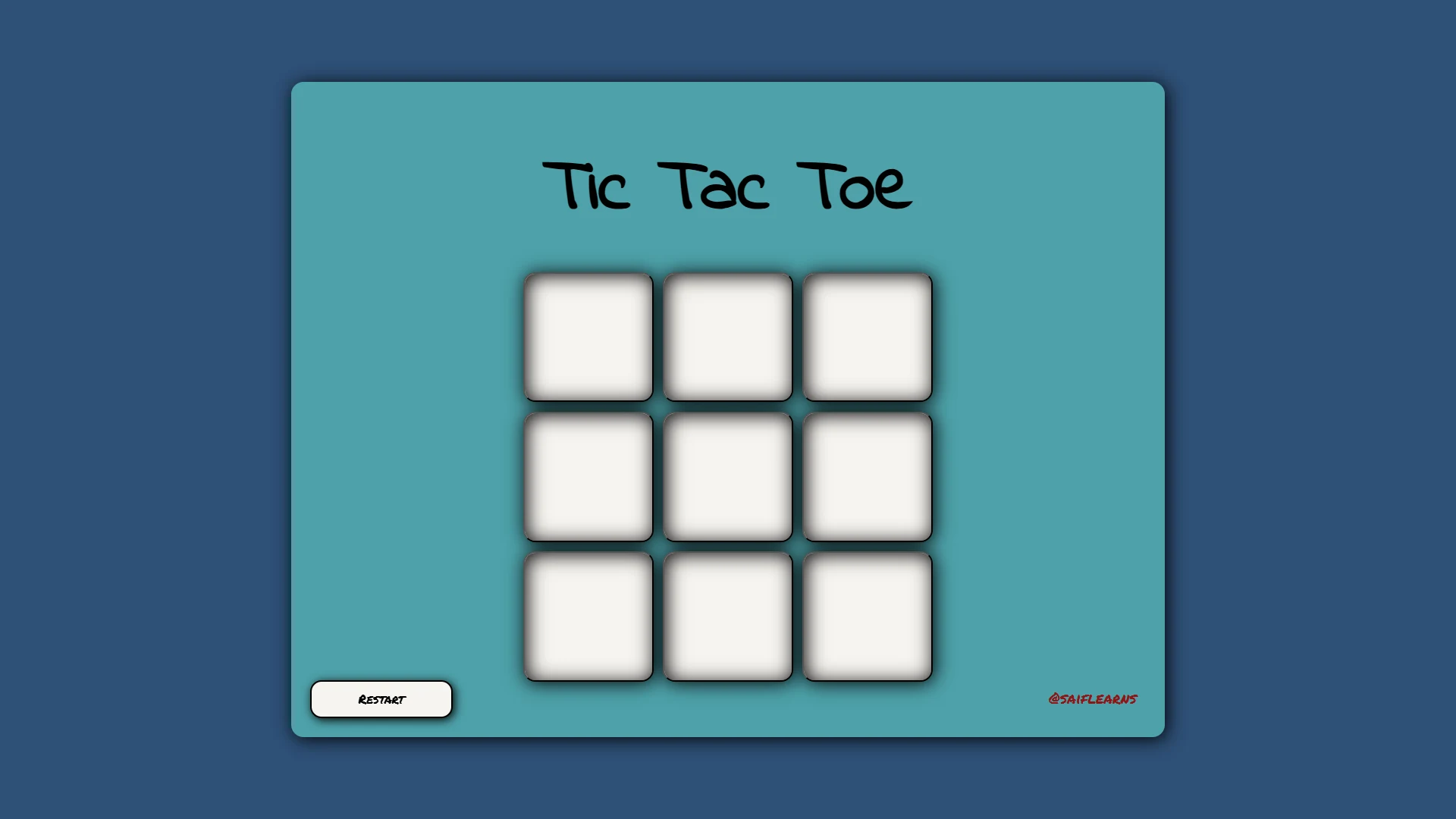
How to Play
Tic-Tac-Toe is a two-player game. The goal is simple: be the first to get three of your marks in a row.
- Two Players: The first player is 'X' and the second player is 'O'.
- Take Turns: Players take turns clicking on an empty box to place their mark.
- Get Three in a Row: The first player to get three of their marks in a horizontal, vertical, or diagonal row wins the game.
- Draw Game: If all 9 boxes are filled and no player has won, the game is a draw.
- Reset: Click the "Reset Game" button to clear the board and play again.
The JavaScript Logic Explained
The logic for Tic-Tac-Toe revolves around checking the game board against a predefined set of winning combinations after every move. This is efficiently handled using a 2D array.
// All 8 possible winning combinations
const winPatterns = [
    [0, 1, 2], [3, 4, 5], [6, 7, 8], // Rows
    [0, 3, 6], [1, 4, 7], [2, 5, 8], // Columns
    [0, 4, 8], [2, 4, 6]             // Diagonals
];

// Function to check for a winner after each turn
const checkWinner = () => {
    // Loop through each winning pattern
    for (let pattern of winPatterns) {
        // Get the values from the 3 boxes in the current pattern
        let pos1Val = boxes[pattern[0]].innerText;
        let pos2Val = boxes[pattern[1]].innerText;
        let pos3Val = boxes[pattern[2]].innerText;

        // If the boxes are not empty
        if (pos1Val != "" && pos2Val != "" && pos3Val != "") {
            // Check if all three boxes have the same value
            if (pos1Val === pos2Val && pos2Val === pos3Val) {
                // We have a winner!
                showWinner(pos1Val);
                return; // Exit the function
            }
        }
    }
};
Technology Stack
This game was built using only the core technologies of the web, demonstrating strong foundational skills.
Challenges & Learning
Developing Tic-Tac-Toe was a fantastic exercise in logical thinking. The most interesting challenge was figuring out an efficient way to check for a winner. Storing all winning combinations in a 2D array and then iterating through it proved to be a clean and scalable solution. This approach was a great introduction to working with more complex data structures in JavaScript.
This project also helped me master event handling, as each box needed its own click listener that only fired once. Implementing the turn-based logic (switching between 'X' and 'O') and managing the game state (e.g., disabling the board after a win) were key learning points that are applicable to almost any interactive web application.