Simon Says Game
A classic memory game built with vanilla JavaScript to test and showcase fundamental game development logic.
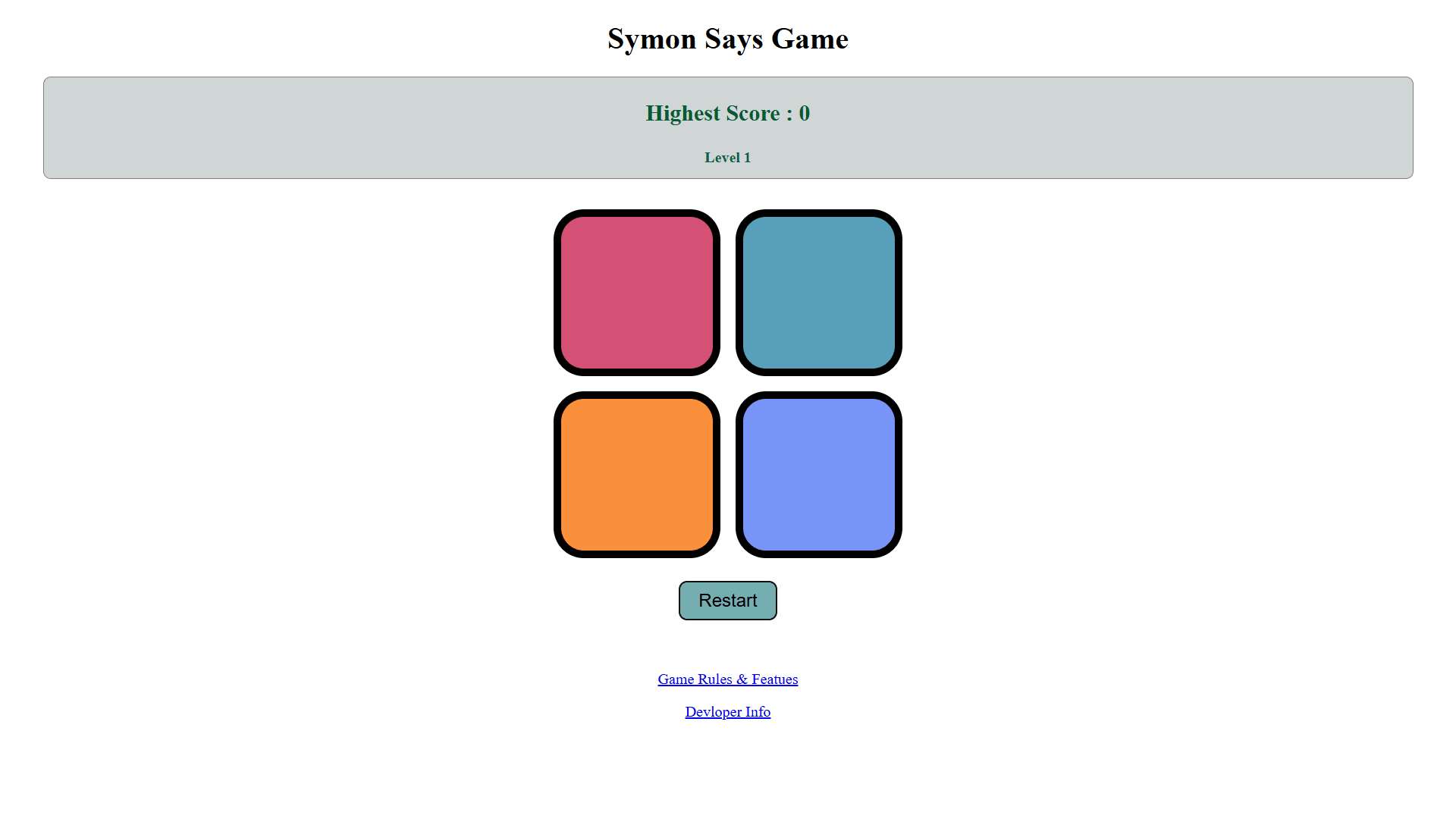
How to Play
Simon Says is a simple yet challenging game of memory. The rules are straightforward:
- Start the Game: Press the "Start Game" button or any key on your keyboard to begin.
- Watch the Sequence: The game will flash a color. This is the first step in the sequence.
- Repeat the Sequence: Click the same color that the game flashed.
- Level Up: If you are correct, the game will repeat the sequence and add one new color at the end.
- Keep Going: Continue repeating the growing sequence of colors for as long as you can. One wrong move, and the game is over!
The JavaScript Logic Explained
The entire game runs on a few core JavaScript concepts. At its heart, the game uses two arrays: one to store the sequence generated by the game (`gameSeq`) and another to store the sequence clicked by the user (`userSeq`).
// Core variables to track the game state
let gameSeq = [];
let userSeq = [];
let started = false;
let level = 0;

// Function to handle moving to the next level
function levelUp() {
    level++;
    h2.innerText = `Level ${level}`;

    // Generate a random color and add it to the game's sequence
    let randomColorIndex = Math.floor(Math.random() * 4);
    gameSeq.push(randomColorIndex);

    // Flash the new color to show the user
    gameFlash(btns[randomColorIndex]);

    // Reset the user's sequence for the new level
    userSeq = [];
}

// Function to handle a user's button press
function btnPress(btnIndex) {
    userSeq.push(btnIndex);
    userFlash(btns[btnIndex]);
    checkAns(userSeq.length - 1);
}

// Function to check if the user's input is correct
function checkAns(currentIndex) {
    // Check if the most recent click matches the game sequence
    if (gameSeq[currentIndex] === userSeq[currentIndex]) {
        // If the user has completed the full sequence for the level
        if (gameSeq.length == userSeq.length) {
            setTimeout(() => {
                levelUp();
            }, 1000);
        }
    } else {
        // If the answer is wrong, end the game
        h2.innerText = `Game Over! Your score was ${level-1}`;
        resetGame();
    }
}
Technology Stack
This project was built using fundamental web technologies, proving that complex interactions can be created without heavy frameworks.
Challenges & Learning
Building the Simon Says game was an excellent exercise in JavaScript logic. The main challenge was managing the game's state—knowing when the game has started, what level it's on, and comparing the sequences. I learned a lot about using `setTimeout` to create delays for the flashing effects, which is crucial for the game's user experience.
This project also gave me extensive practice with DOM manipulation and handling user events (both keyboard and mouse clicks). Implementing the logic to check the user's answer step-by-step, rather than waiting for the full sequence, was a key insight that made the code more efficient. It was a fun project that greatly improved my confidence in writing interactive, logic-based JavaScript.